Made so you never miss a task
A simple to-do reminder with the loudness of an alarm clock.
Alarm-style reminders
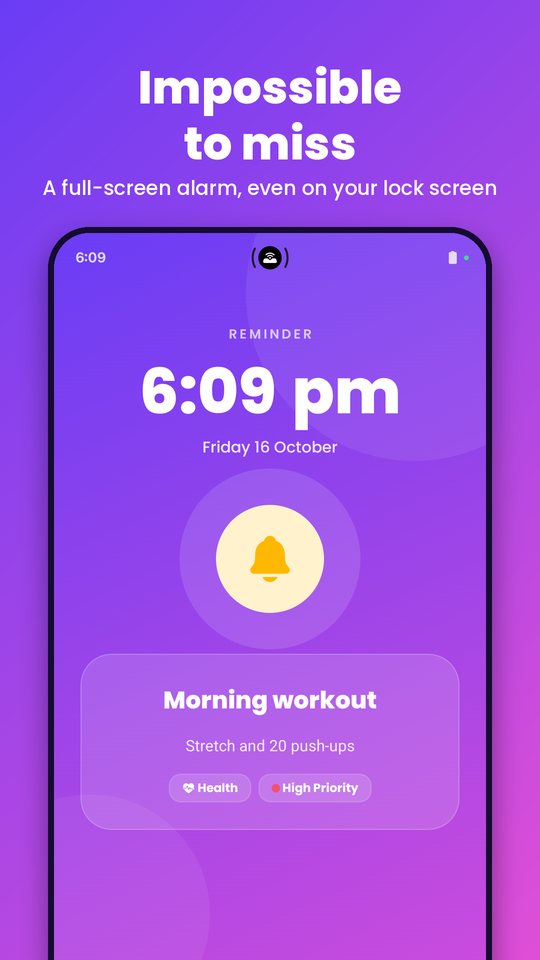
A full-screen popup appears over the lock screen with your task, time and notes.
Six alarm tones
Pick the sound that wakes you best, with a live preview before you save.
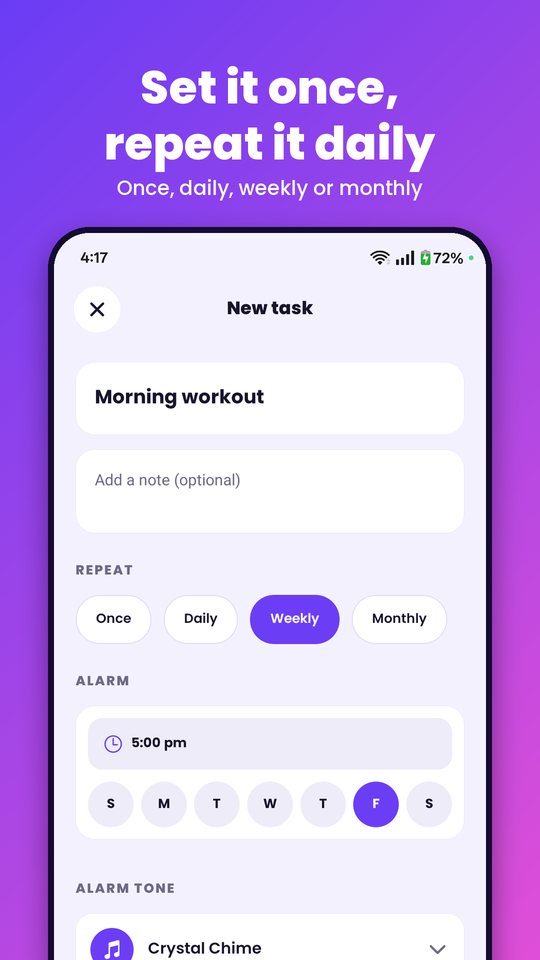
Repeat your way
Once, daily, weekly or monthly, ideal for medicine, bills and daily habits.
Categories and priority
Personal, Work, Health and Study, each with a priority so the important tasks stand out.
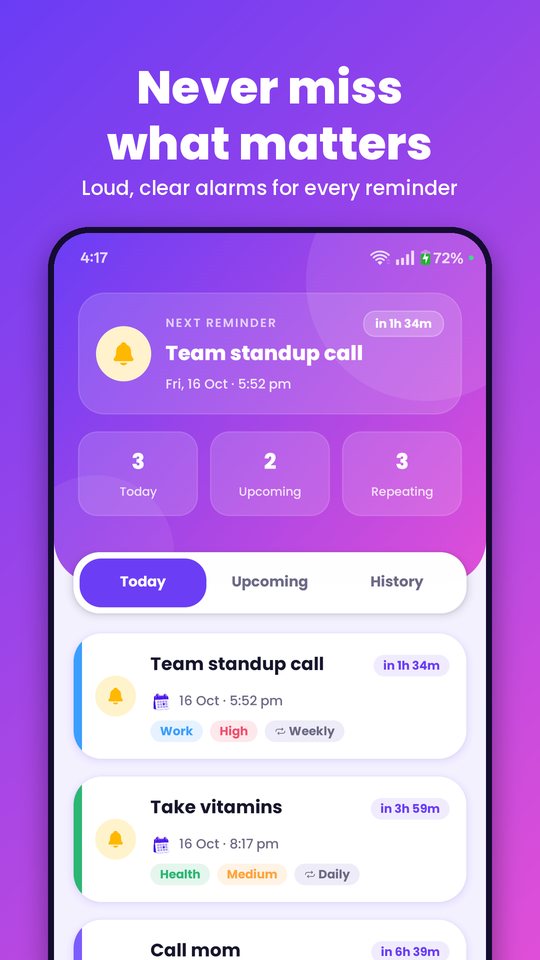
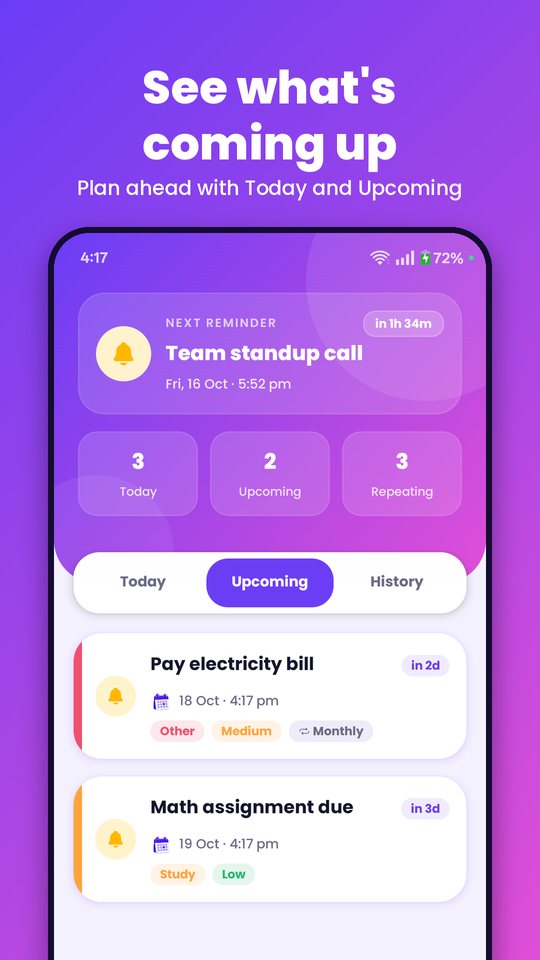
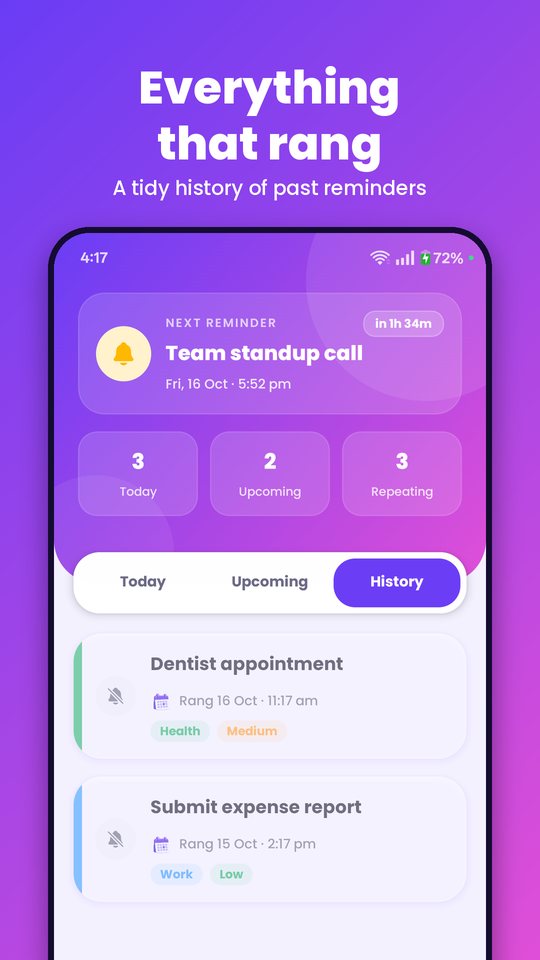
Today, Upcoming, History
Clear views and a "next reminder" countdown show what is coming up.
Private and offline
Your tasks stay on your phone. No account, no ads and no tracking.
See it in action
Today, upcoming, history, add a reminder and the full-screen alarm.
Great for
- 💊 Medicine
- 🧾 Bills and due dates
- 📚 Study tasks
- 💼 Work deadlines
- 🏃 Daily habits
- 📍 Appointments
Questions
Is Chimely free?
Yes. There are no ads, no subscription and no account.
Does it need the internet?
No. Chimely works fully offline, and your reminders are stored only on your device.
Will it ring when my phone is locked or restarted?
Yes. Chimely uses exact alarms and a full-screen alert, and it restores your reminders after a reboot.
Why does it ask for alarm and notification permissions?
They let reminders ring at the exact time and show over the lock screen. Details are in the privacy policy.
Which phones does it support?
Android phones. An iPhone version is not available yet.